Britecharts
Finished, accessible charts that any page, and any agent, can add with one script tag or one validated JSON config.


 |  |  |
|---|---|---|
 |  |  |
 |  |  |
Support: Twitter, Issues & Slack
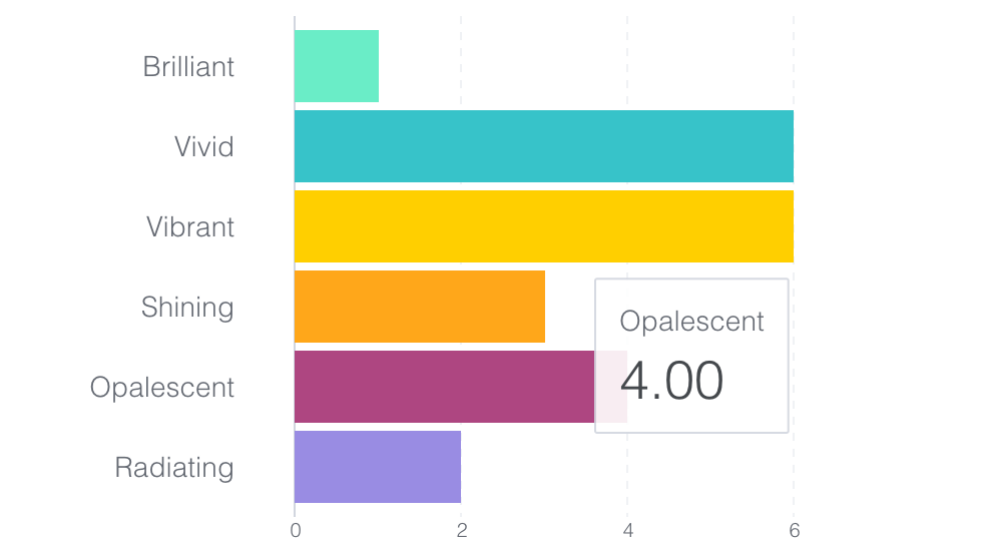
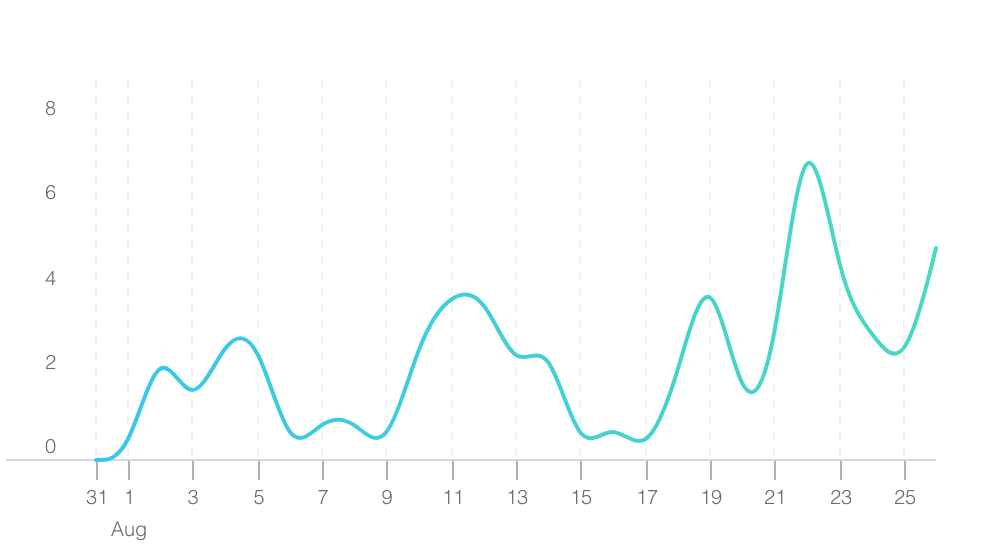
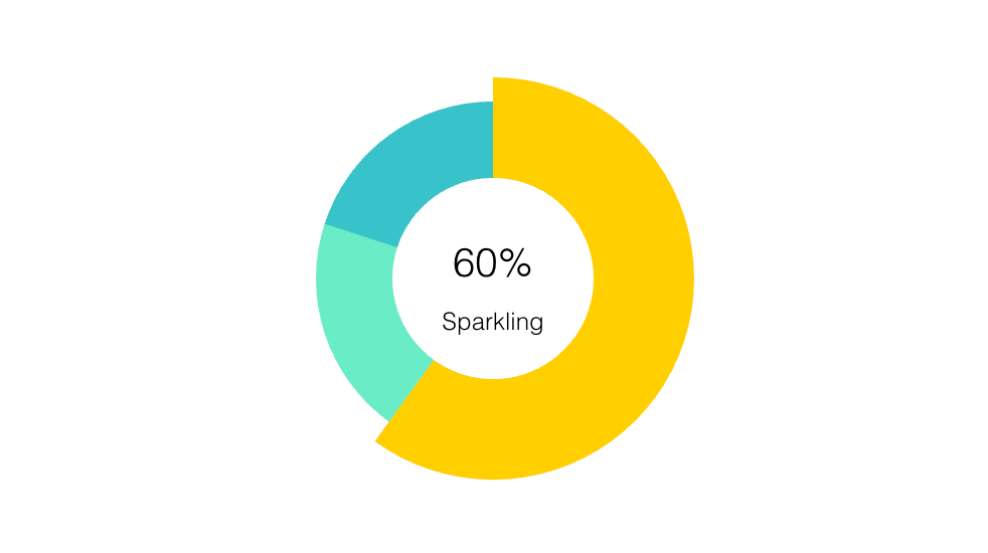
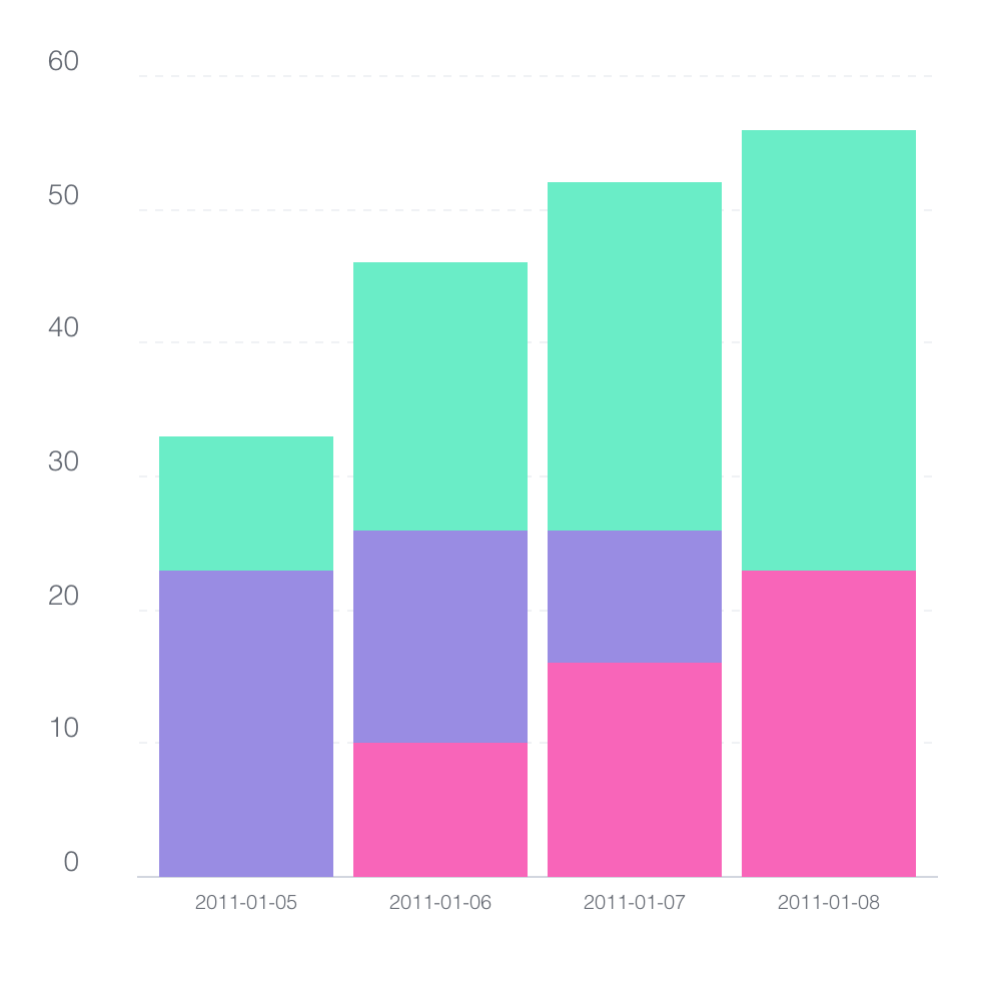
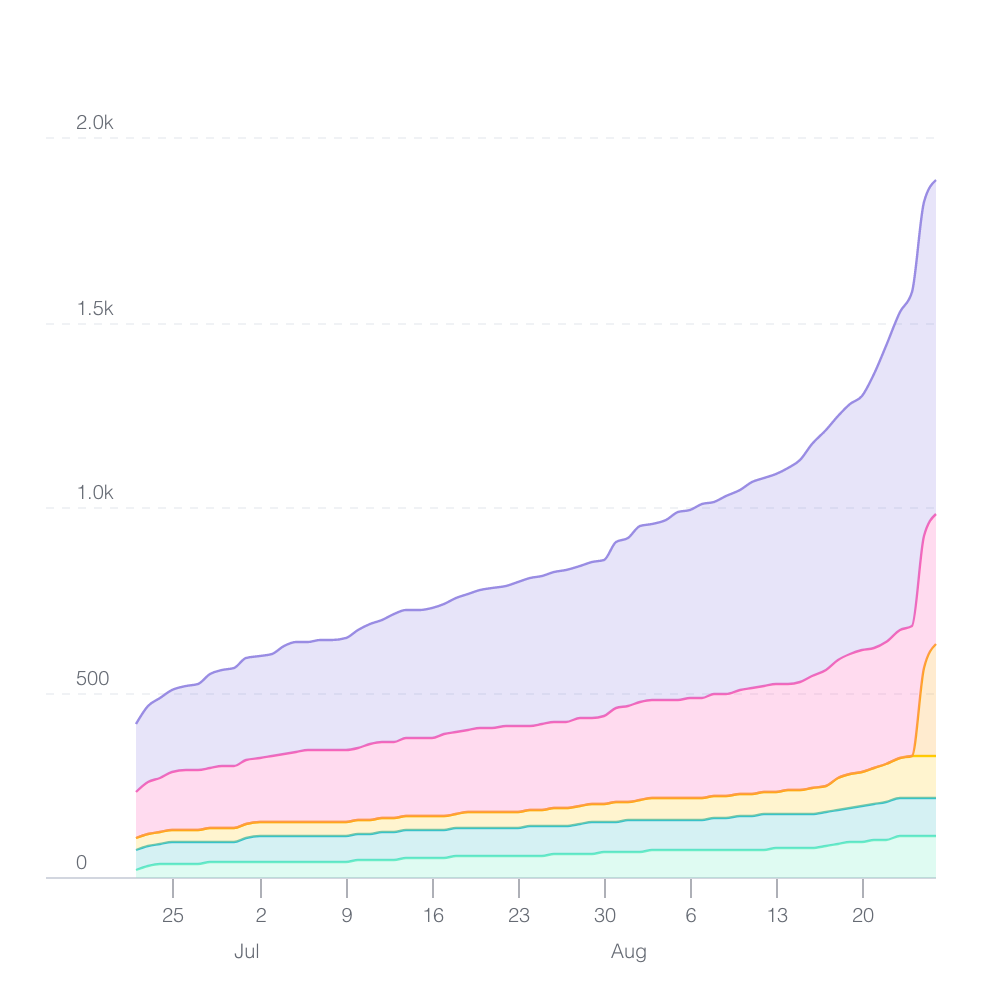
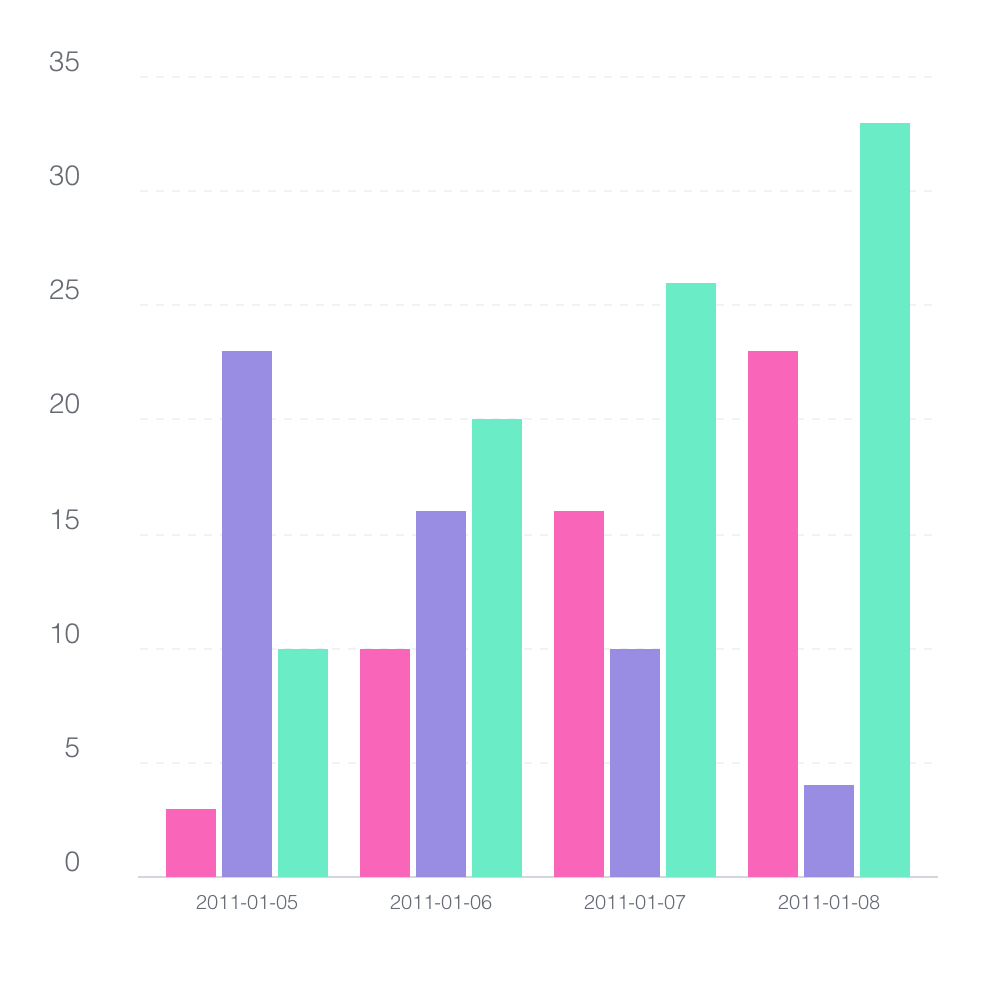
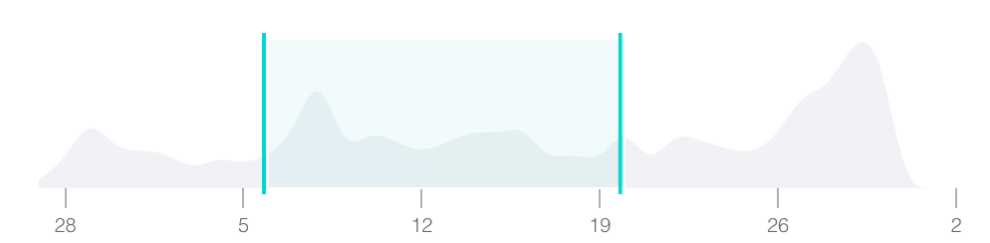
Britecharts is a library of finished D3.js charts: bar, line, donut, stacked and grouped bar, stacked area, scatter plot, heatmap, treemap, sparkline, bullet and brush, plus a tooltip and a legend. You choose a chart, give it data and a few settings, and get a polished, interactive, accessible chart that works the same in plain HTML, any framework or React.
Why Britecharts
Finished charts, not a grammar
Grammar libraries hand you scales, marks and axes to assemble. Britecharts hands you a bar chart. Every chart shares one vocabulary (width, colorSchema, isLoading, numberFormat, exportChart, a11yTitle) and comes with loading and empty states, animation, tooltips and export already built. There are fewer ways to go wrong, for people and for coding agents alike.
Accessible by default, and free
Every chart is accessible without any setup:
- 🔊 Named for screen readers, with its data as a table they can read cell by cell.
- ⌨️ Keyboard navigable: tab to a chart, move between data points with the arrow keys, and the tooltip follows focus.
- 🎞 Still when the reader asks for reduced motion.
- 🎨 A colour-blind-safe palette, Okabe–Ito, one setting away.
Commercial libraries charge per seat for this set. In Britecharts it is on by default, and each part can be turned off.
One script tag or one config, in any page
The vanilla core runs anywhere: a server-rendered template, a static site, a Web Component, or an AI sandbox that only allows CDN scripts. The same chart is available as a framework-agnostic wrapper and as a React component. And because a chart is a name, a configuration and data, it can be written down as a JSON spec that a schema checks before it's drawn.
Made for coding agents too
Agents write Britecharts correctly on the first try more often when the library helps them:
- 📄 llms.txt and llms-full.txt describe every chart and accessor.
- 🧠 An agent skill ships inside
@britecharts/core, with each chart's data shape, accessors and common traps. - ✅ A JSON Schema for every chart's spec, so an editor or an agent can validate a config without running it.
- 💬 Errors that say how to fix them: a misspelt key gets "did you mean
height?" and a link to the chart's API page, and a value of the wrong type says what it should be.
Charting since 2015
Britecharts started at Eventbrite in May 2015. Version 1 reached npm in March 2017, and version 2 followed that August. Since then, 55 people have contributed code and the repository has earned over 3,700 stars on GitHub. Version 2 is still installed about 5,000 times a week.
Version 3 keeps the idea that made those charts last: a chart is a function you configure and then call on your data. It rebuilds everything around it in TypeScript, with accessibility, theming, React components and tools for coding agents.
What's New in Version 3
Version 3 is a rewrite of Britecharts in TypeScript, on D3 v7, as three packages: @britecharts/core, @britecharts/wrappers and @britecharts/react.
- Accessibility built in. Named charts, data tables and keyboard navigation, reduced motion and the Okabe–Ito palette, all on by default.
- Theming and dark mode with standard CSS. Every colour around the data is a
--bc-*custom property, and the charts follow the page'scolor-schemethroughlight-dark(). - Export to SVG or PNG from one call:
exportChart('chart.svg'). - Chart specs and JSON Schemas, generated from the TypeScript types, with value checks in the wrappers.
- TypeScript types for every chart's data, configuration and React props.
- Every chart in every package, the brush and heatmap included, and one tooltip for all of them.
- Responsive by default: every svg scales to fit its container, with no resize listeners.
- Negative values in the bar, grouped bar, stacked bar, brush and scatter plot charts, and loading states on every chart.
- Smaller bundles: ES modules that tree-shake, so an app only ships the charts it imports.
Coming from version 2? Read the migration guide.
Quick Start
Try it in your browser
Open a running example on StackBlitz, in plain JavaScript or React, with nothing to install. Each draws a bar chart and a line chart with their tooltips, switches to dark mode, and moves through the data with the keyboard.
From a CDN, with no build step
<link rel="stylesheet" href="https://cdn.jsdelivr.net/npm/@britecharts/core/dist/styles/bundle/britecharts.min.css" />
<script src="https://cdn.jsdelivr.net/npm/@britecharts/core/dist/cdn/bundle/core.cdn.min.js"></script>

<div class="bar-container"></div>

<script>
    core.bar()
        .height(300)
        .a11yTitle('Signups by plan')
        .tooltip(core.tooltip())
        .render('.bar-container', [
            { name: 'Pro', value: 412 },
            { name: 'Team', value: 236 },
            { name: 'Free', value: 1200 },
        ]);
</script>
The bundle includes d3, so the page needs no other script.
From npm
npm install @britecharts/core
import { bar, tooltip } from '@britecharts/core';
import '@britecharts/core/dist/styles/bundle/britecharts.min.css';

bar()
    .isHorizontal(true)
    .height(300)
    .a11yTitle('Signups by plan')
    .tooltip(tooltip())
    .render('.bar-container', data);
render takes a CSS selector, an element or a d3 selection, and draws again with new data when you call it again. If you already use d3, select('.bar-container').datum(data).call(barChart) works too.
With React
npm install @britecharts/react
import { Bar } from '@britecharts/react';

<Bar data={data} isHorizontal a11yTitle="Signups by plan" />;
In an app set up with shadcn/ui, one command adds a chart that follows your theme and its dark mode, with one registry item per chart:
npx shadcn@latest add https://britecharts.github.io/britecharts/r/bar-chart.json
To use Britecharts with another framework, use the create, update and destroy methods of the wrappers package. For Angular, check out ngx-britecharts.
As a JSON spec
{
    "$schema": "https://britecharts.github.io/britecharts/schema/v3/bar.json",
    "chart": "bar",
    "config": { "isHorizontal": true, "a11yTitle": "Signups by plan" },
    "data": [{ "name": "Pro", "value": 412 }]
}
Editors validate and complete it from the schema, and BarWrapper.create(element, spec.data, spec.config) draws it.
Charts
Every chart shares the common accessors (width, height, margin, colorSchema, isLoading, a11yTitle and so on) and adds its own:
- API, Demo Line Chart
- API, Demo Bar Chart
- API, Demo Donut Chart
- API, Demo Stacked Bar Chart
- API, Demo Grouped Bar Chart
- API, Demo Stacked Area Chart
- API, Demo Scatter Plot
- API, Demo Heatmap
- API, Demo Treemap
- API, Demo Sparkline Chart
- API, Demo Bullet Chart
- API, Demo Brush Chart
- API, Demo Tooltip, and its single-value preset
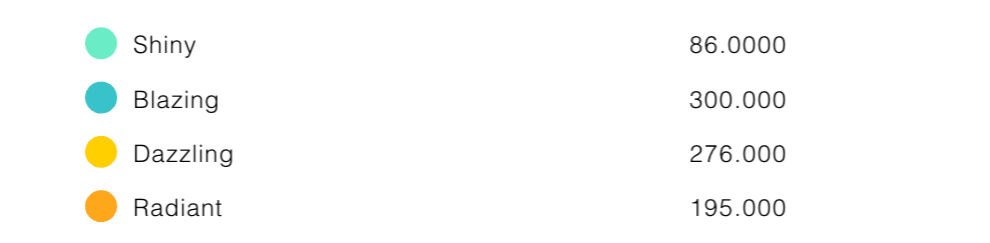
- API, Demo Legend
Britecharts is built with the reusable chart pattern on plain D3.js code you can read, fork and modify, and every chart is covered by unit tests and by browser tests in real consumer apps. To customise the look, see Styling Britecharts.
See Also
- Documentation Homepage
- Getting Started Guide
- Tutorials
- How To Guides
- Topics
- Contributing Guide
- Github Repo
- Changelog
Community Roadmap
This project is in active development. We want your input about what is important, for that, add your votes using the 👍 reaction:
How to Contribute
Whether you're helping us fix bugs, improving the docs, or spreading the word, we'd love to have you as part of the Britecharts community!
To give your feedback, you can open a new issue. You can also find us in the D3.js slack group, in the #tool-britecharts channel. We are looking for contributors and committers, so if you want to become a part of this project, check the contributing guide for ideas on contributing and get started today!
Code of Conduct
Britecharts is dedicated to building a welcoming, diverse, and safe community. We expect everyone participating in the Britecharts community to abide by our Code of Conduct. Please read it and follow it.
Acknowledgments
Sun Dai designs Britecharts, and two books inspired the code, Developing a D3.js Edge and Mastering D3.js. It also leveraged a significant number of examples and articles from the D3.js community overall.
Contributors ✨
Thanks goes to these wonderful people (emoji key):
 Daler Asrorov 💻 📖 🤔 🚧 👀 ⚠️ |
 Ryan Wholey 💻 📖 🤔 🚧 👀 ⚠️ |
 jchen85 💻 🤔 🚧 👀 ⚠️ |
 Marcos Gómez 💻 |
 ajdani 🐛 💻 🚧 |
 shayh 💻 |
This project follows the all-contributors specification. Contributions of any kind are welcome!
License
Licensed under the Apache License, Version 2.0 (the "License"); you may not use this file except in compliance with the License. You may obtain a copy of the License at
https://www.apache.org/licenses/LICENSE-2.0
Unless required by applicable law or agreed to in writing, software distributed under the License is distributed on an "AS IS" BASIS, WITHOUT WARRANTIES OR CONDITIONS OF ANY KIND, either express or implied. See the License for the specific language governing permissions and limitations under the License.
Read more in the license document